What works
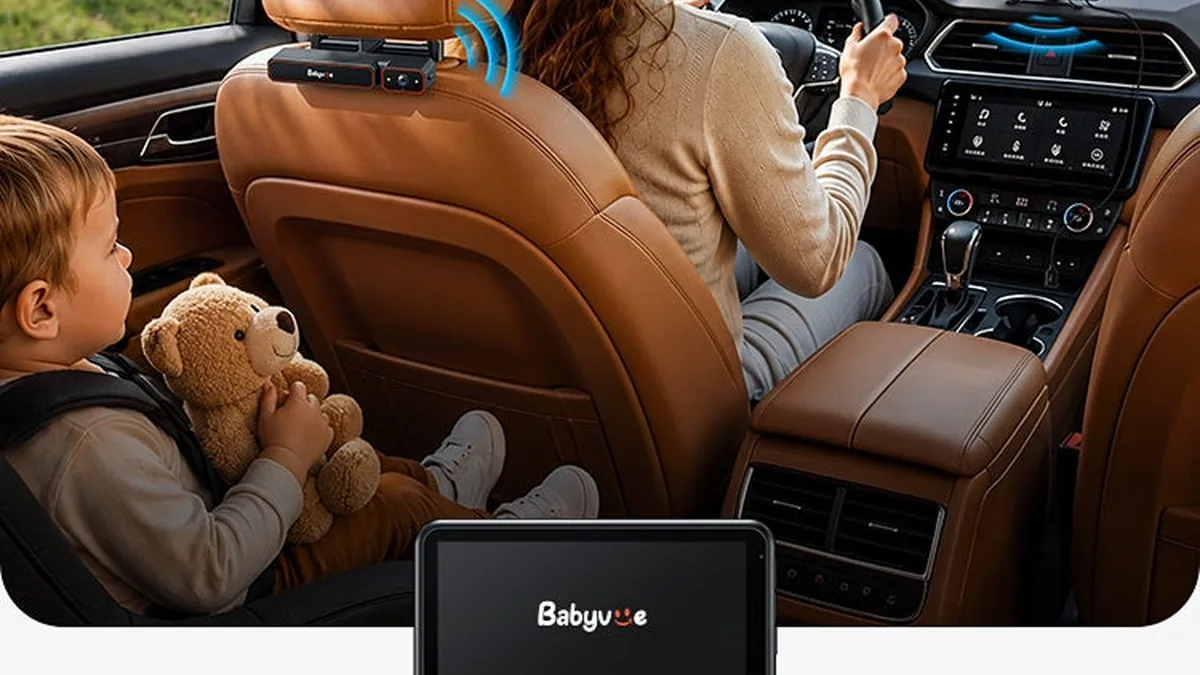
What makes Bubbasafe Baby View worth a closer look
- CarPlay and Android Auto compatibility on current firmware
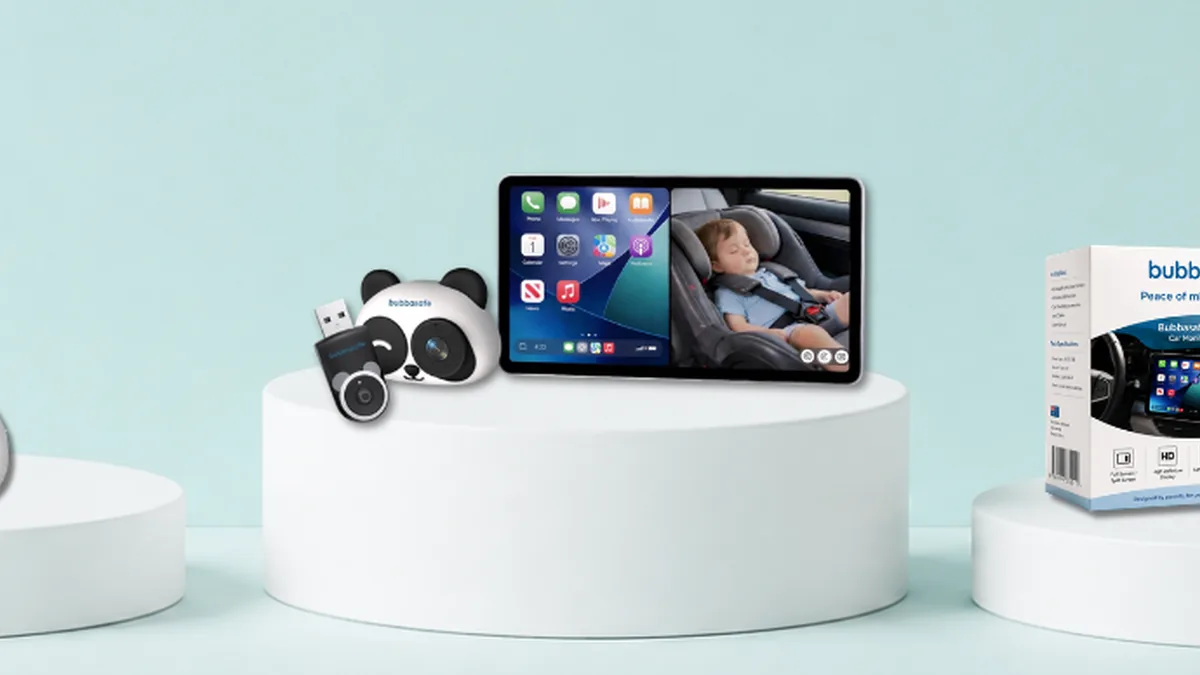
- Split-screen and picture-in-picture viewing
- 1080p live video with invisible infrared night vision
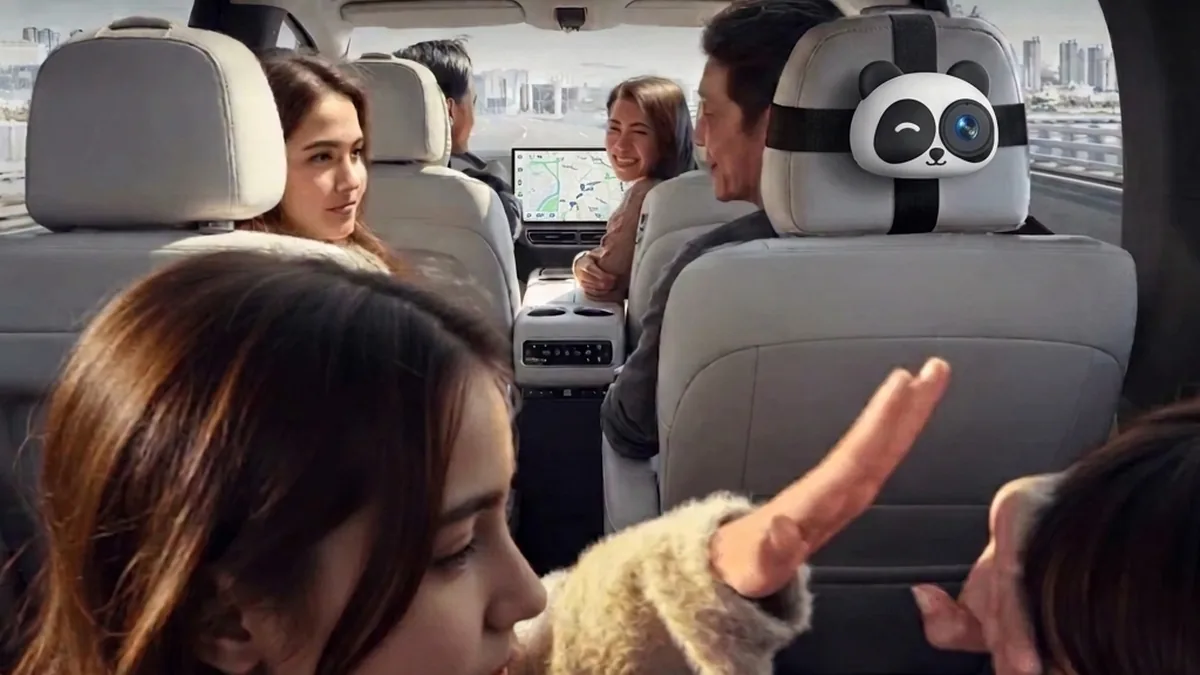
- 150-degree wide-angle lens and 360-degree camera rotation
Strengths
Advantages of Bubbasafe
- Avoids a second dashboard display
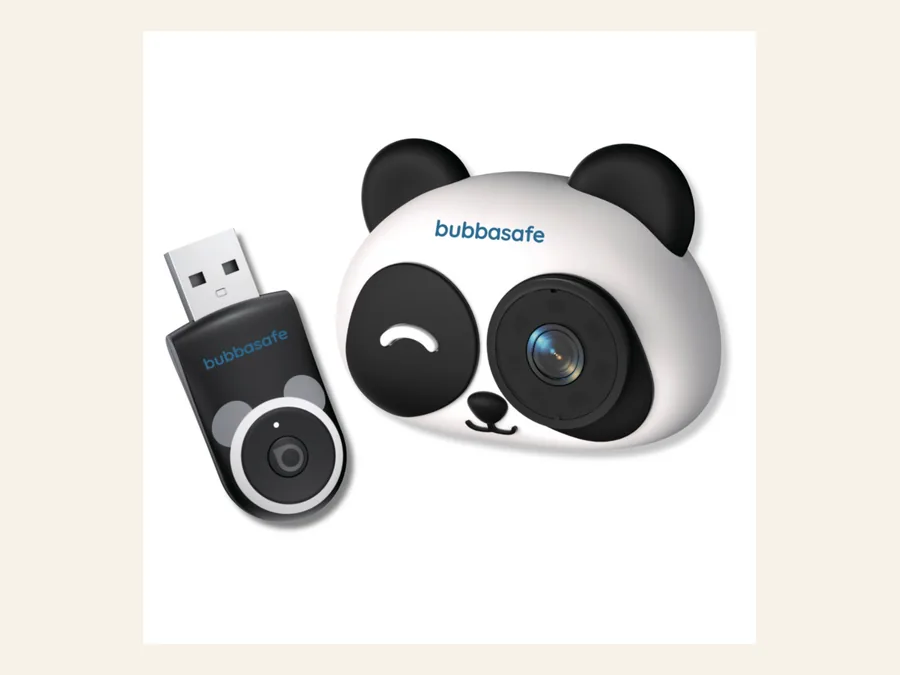
- Strong visual identity with multiple character options
- Current regional version is listed with both CarPlay and Android Auto support
Trade-offs
Where Bubbasafe asks you to compromise
- Requires the vehicle's compatible wired CarPlay connection
- Premium Australian pricing and regional availability need checking
Fit and ownership
How Bubbasafe Baby View fits family travel
Drivers who want one screen for navigation and the baby view, and value a child-friendly camera design. The useful comparison is not the number of features on a product page. It is whether the screen, power source and mounting method suit the vehicle you actually drive.
Specifications
Bubbasafe Baby View details to confirm
Published details for the Bubbasafe Baby View
| Vehicle system | CarPlay and Android Auto compatibility varies by firmware |
|---|
| View modes | Split screen and picture-in-picture |
|---|
| Camera | 1080p, 150-degree view |
|---|
| Night view | Invisible infrared |
|---|
| Connection | Wireless camera feed through a vehicle adapter |
|---|
Specifications reflect the brand or authorized listing checked on 6 November 2026. Regional versions and bundles may differ.
Before installation
Bubbasafe Baby View safety check
Confirm the exact vehicle model, touchscreen and wired CarPlay requirement directly with the regional store.
Use the camera as a viewing aid only. Install the child restraint first and keep mounts, cables and screens clear of the harness, belt path, lower anchors, tethers, airbags, controls and the child's reach.
 Verified code