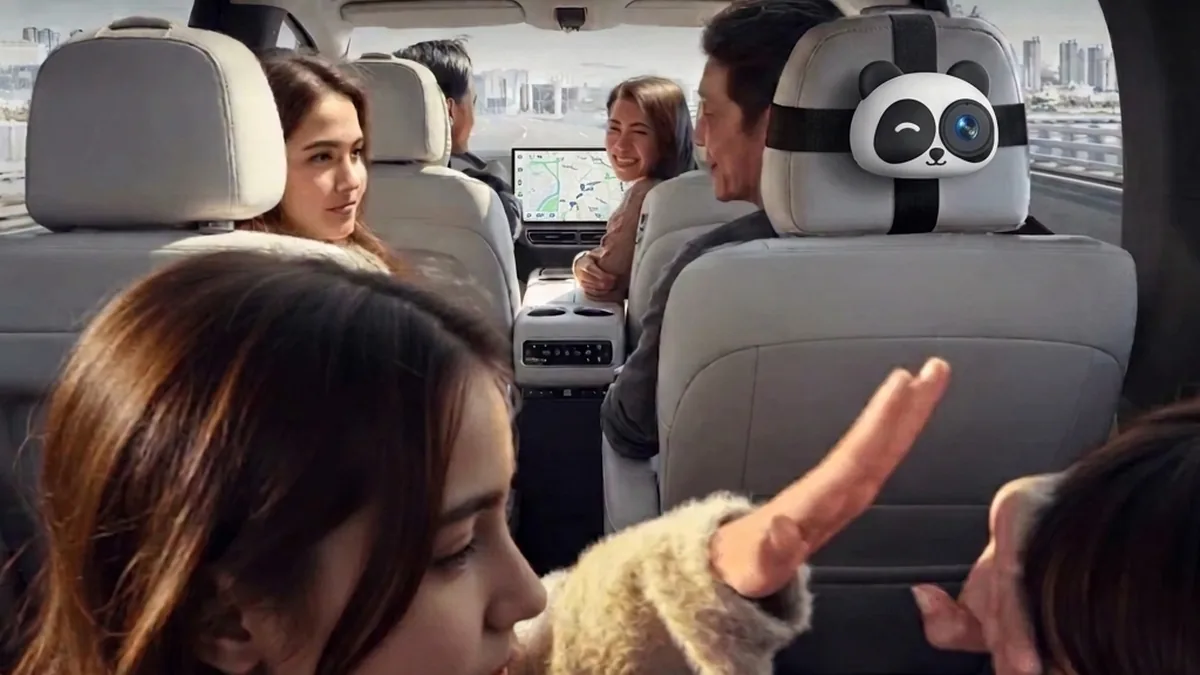
What works
What makes DashVue worth a closer look
- 1080p rear-seat camera
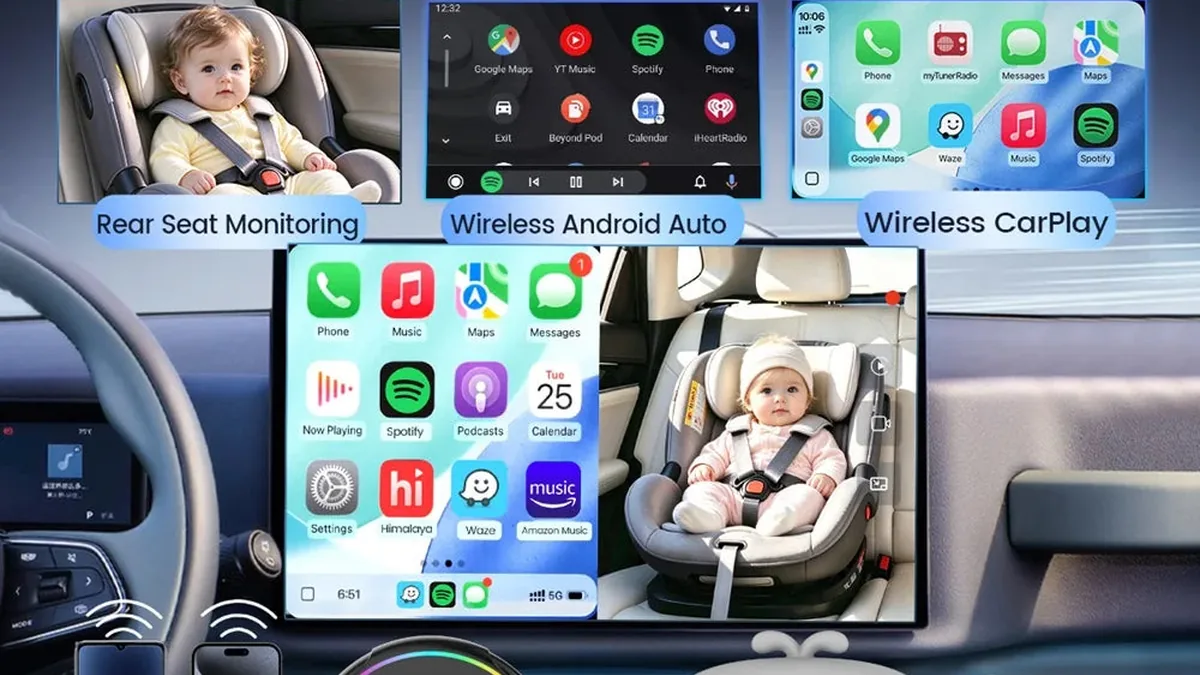
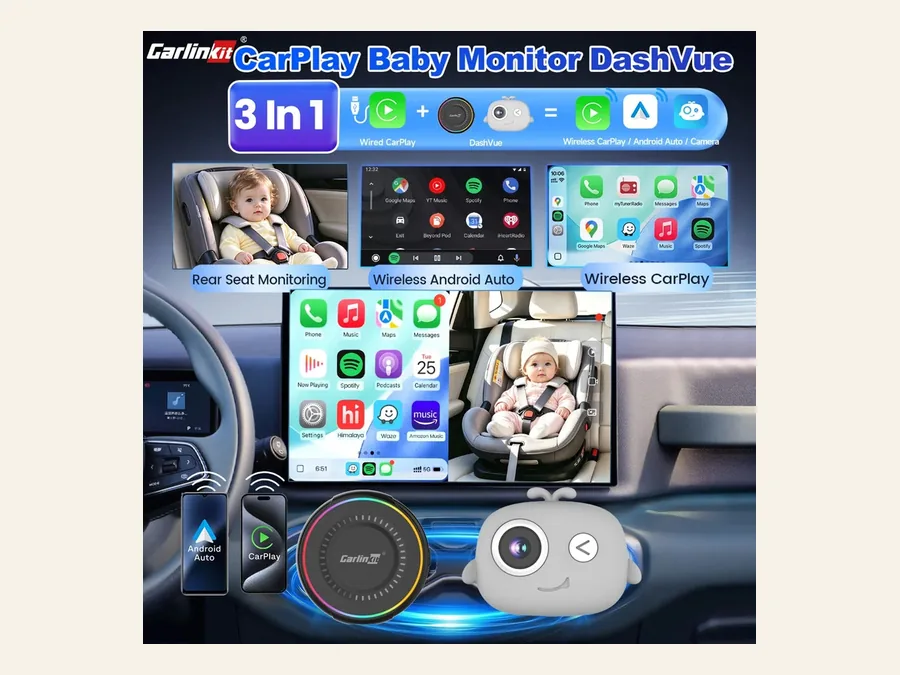
- Split-screen navigation and child view
- Loop recording to a MicroSD card
- Wireless CarPlay and Android Auto support listed by the store
Strengths
Advantages of CarlinKit
- Recording is built into the product
- Detailed model and wireless-system specifications
- Useful for drivers who already know their head unit
Trade-offs
Where CarlinKit asks you to compromise
- Compatibility is stricter than a standalone display
- MicroSD card and recording settings add operational upkeep
Fit and ownership
How DashVue fits family travel
Tech-oriented users who want a live back-seat view plus local video storage. The useful comparison is not the number of features on a product page. It is whether the screen, power source and mounting method suit the vehicle you actually drive.
Specifications
DashVue details to confirm
Published details for the DashVue
| Camera | 1080p, 125-degree lens |
|---|
| Storage | MicroSD loop recording; storage sold separately |
|---|
| Night view | Infrared |
|---|
| Vehicle system | Factory wired CarPlay |
|---|
| View mode | Split screen |
|---|
Specifications reflect the brand or authorized listing checked on 6 November 2026. Regional versions and bundles may differ.
Before installation
DashVue safety check
The product listing excludes some vehicles and wireless-only CarPlay systems. Verify the exact head unit and storage requirements before purchase.
Use the camera as a viewing aid only. Install the child restraint first and keep mounts, cables and screens clear of the harness, belt path, lower anchors, tethers, airbags, controls and the child's reach.
 No public code